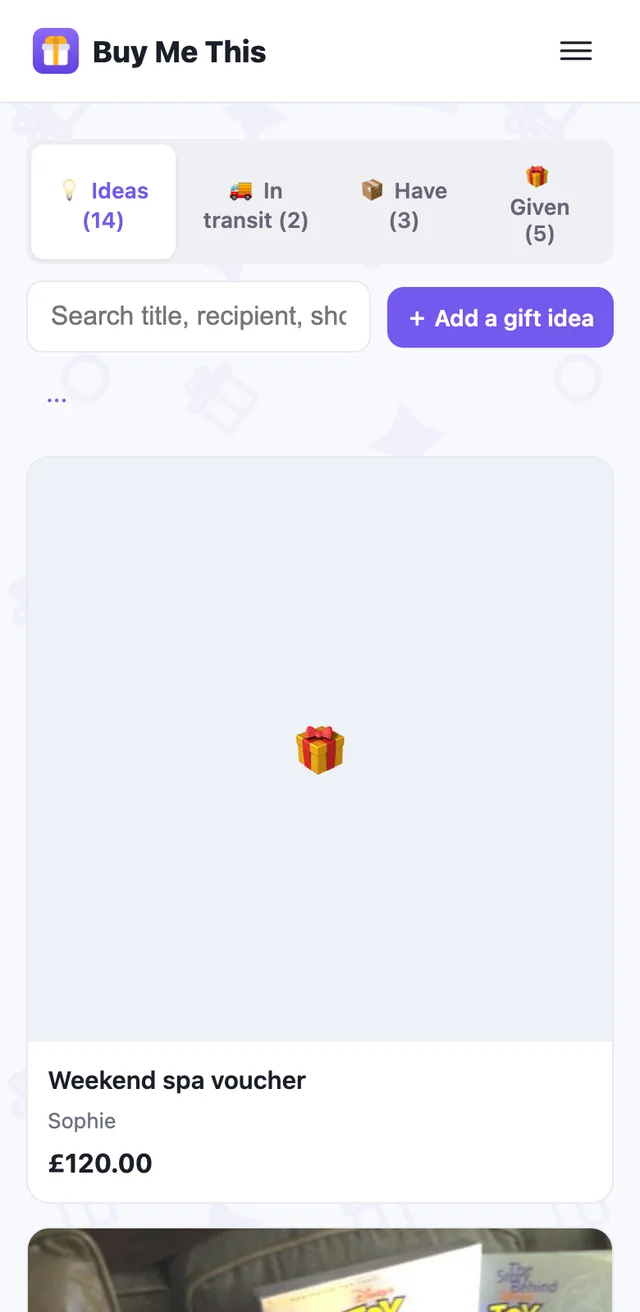
Help › The secret drawer
The secret drawer
Set it up once
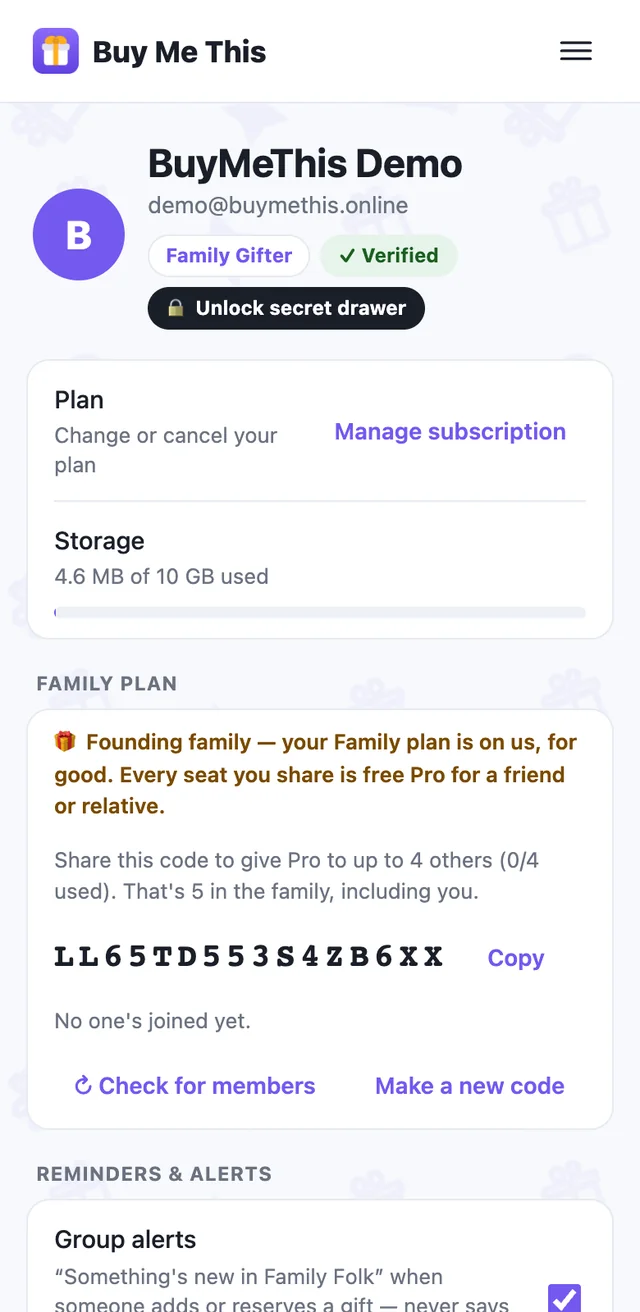
A paid-plan feature. In Account, the chip at the top next to your name says 🗄️ Set up secret drawer — tap it and choose a PIN. The PIN works on every device and on the web; it's separate from App Lock.
From then on the chip reads 🔒 Unlock secret drawer, and 🔓 Drawer open · tap to lock while it's open.
Hide a gift
Open any gift → More actions → Hide in secret drawer. It vanishes from every list, budget, search and group until you unlock. Unhide the same way.
On the phone the drawer re-locks the moment you leave the app, so a phone left on the table shows nothing. On the web it stays open while you work, locks a few minutes after you switch to another tab, and after a quarter of an hour untouched.
Unlock without the detour
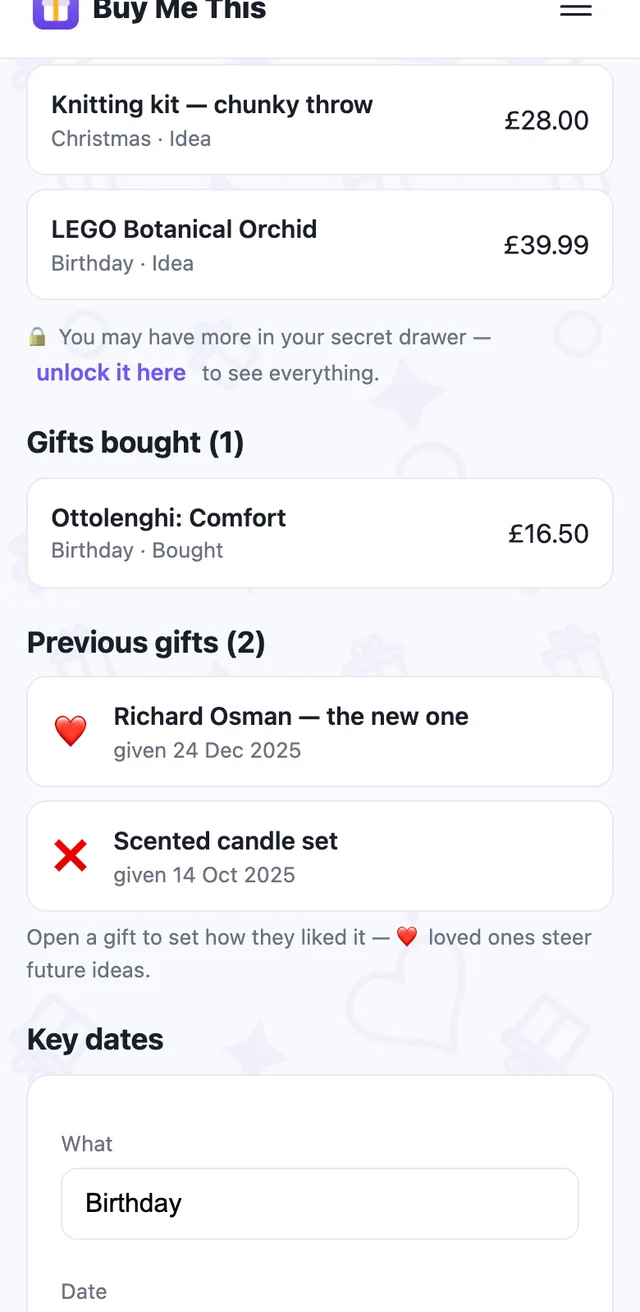
Tap the line on a recipient's page — “you may have more in your secret drawer” — and enter the PIN right there; the page refills. Or use the chip in Account.
That line appears on every recipient while the drawer is locked, whether or not anything is hidden for them. That's deliberate: someone holding your phone learns nothing, not even where to look.
Forgot the PIN? Reset it with your account password; everything hidden becomes visible again.