Help › Getting started
Getting started
1. Install
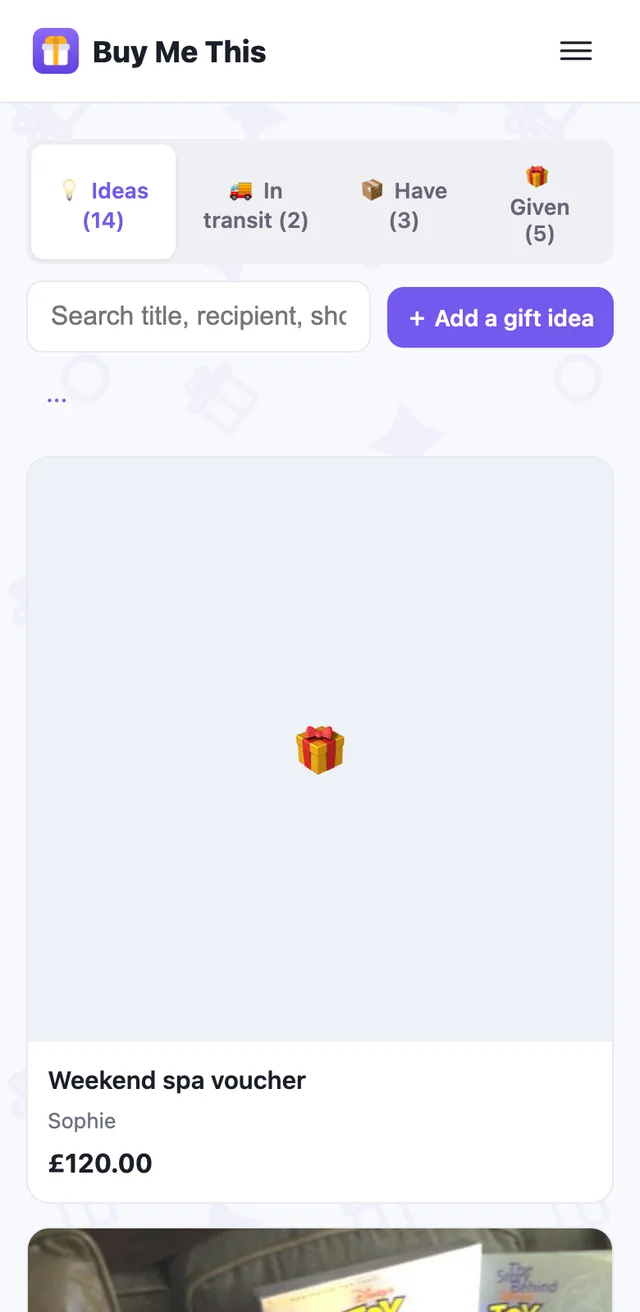
iPhone and iPad from TestFlight during the beta (the App Store at launch). On any other device, use the web app at app.buymethis.online — same account, same data, nothing to install.
Sign up with an email and a password. Accounts are for people aged 16 and over. Verify your email when the message arrives — check spam the first time.
2. Add a person
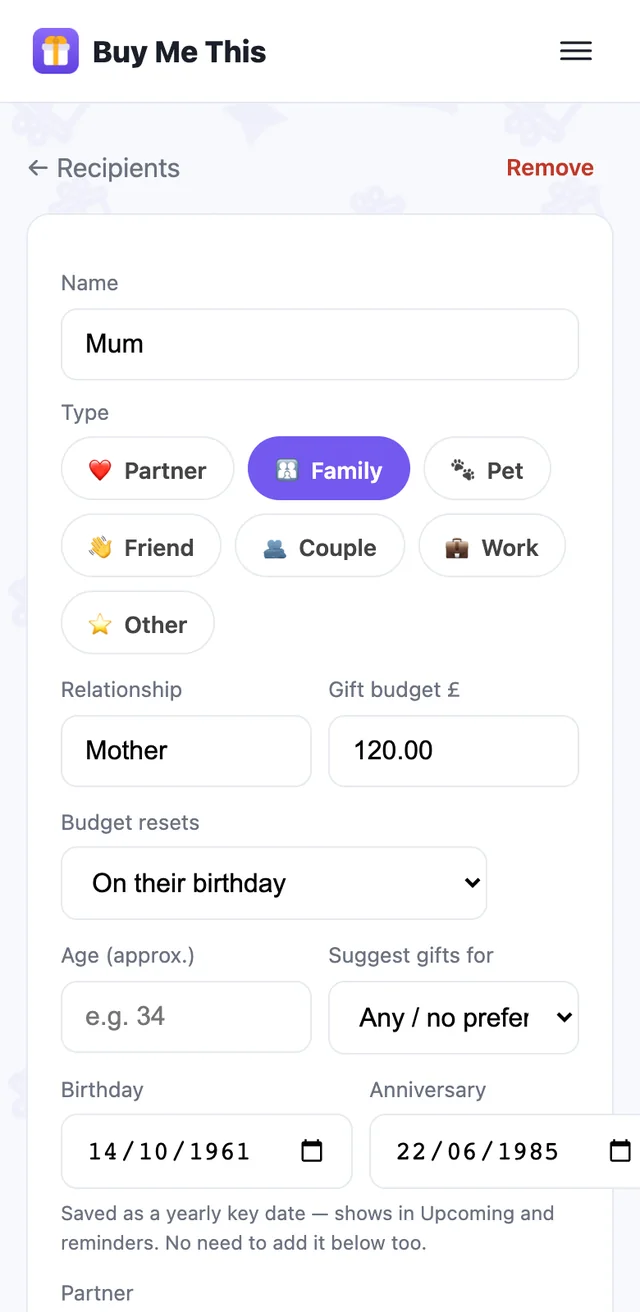
Open Recipients, tap +, type a name — Mum, Dad, a friend. Add their birthday if you know it; that's what the reminders hang off.
Relationship, budget and interests can wait. One name and one date is enough to start.
3. Add a first idea
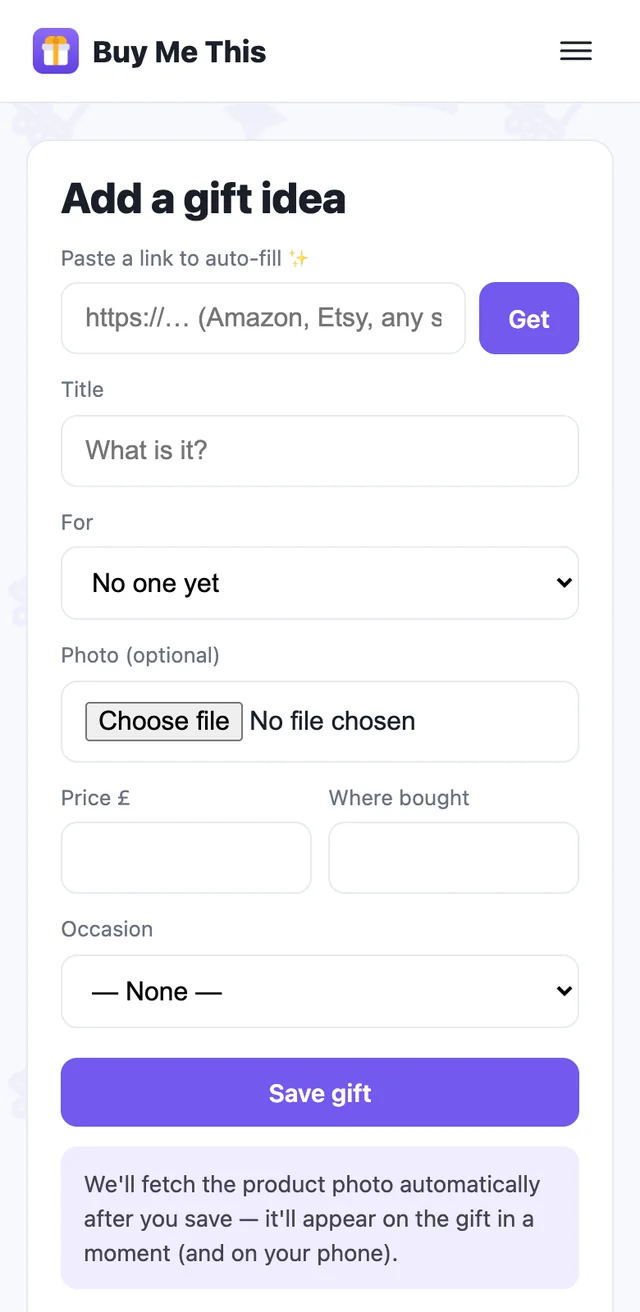
Next time you see something, tap + Add a gift idea: snap it, scan it, or paste a link. Choose who it's for. Done — it's on their page and in Ideas.
That's the whole habit: people, then ideas against people. The app does the remembering — including, later, where you hid it.