Help › Gifts: ideas to given
Gifts: ideas to given
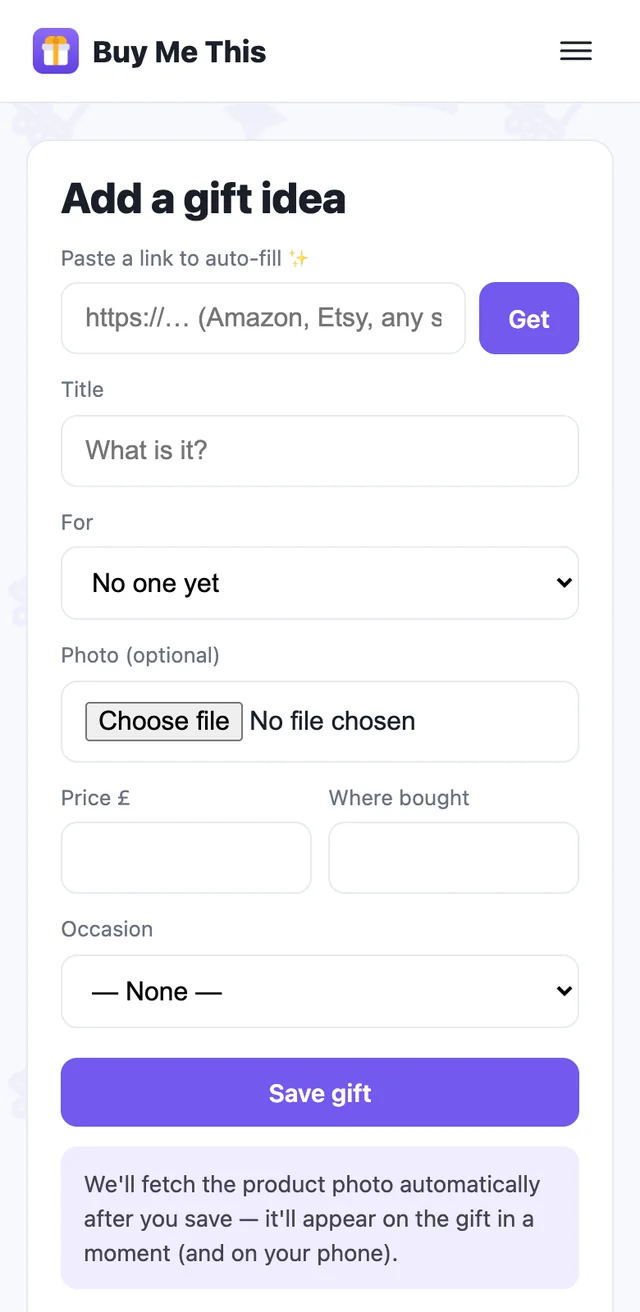
Add an idea
- Photo — snap the thing in the shop, the price tag, the shop sign. Works with no signal; it syncs later.
- Barcode — scan it and we look the product up.
- Link — paste a shop URL; we fetch the title, price and picture. No need to type
https://.
Pick who it's for, an occasion if you know it, and a price. Notes are private to you — the recipient never sees any of this.
Mark it bought — and where you hid it
Open the gift and tap Mark as bought. It then asks the only question that matters later: where did you hide it? Loft, wardrobe, car boot — written down, for your eyes only.
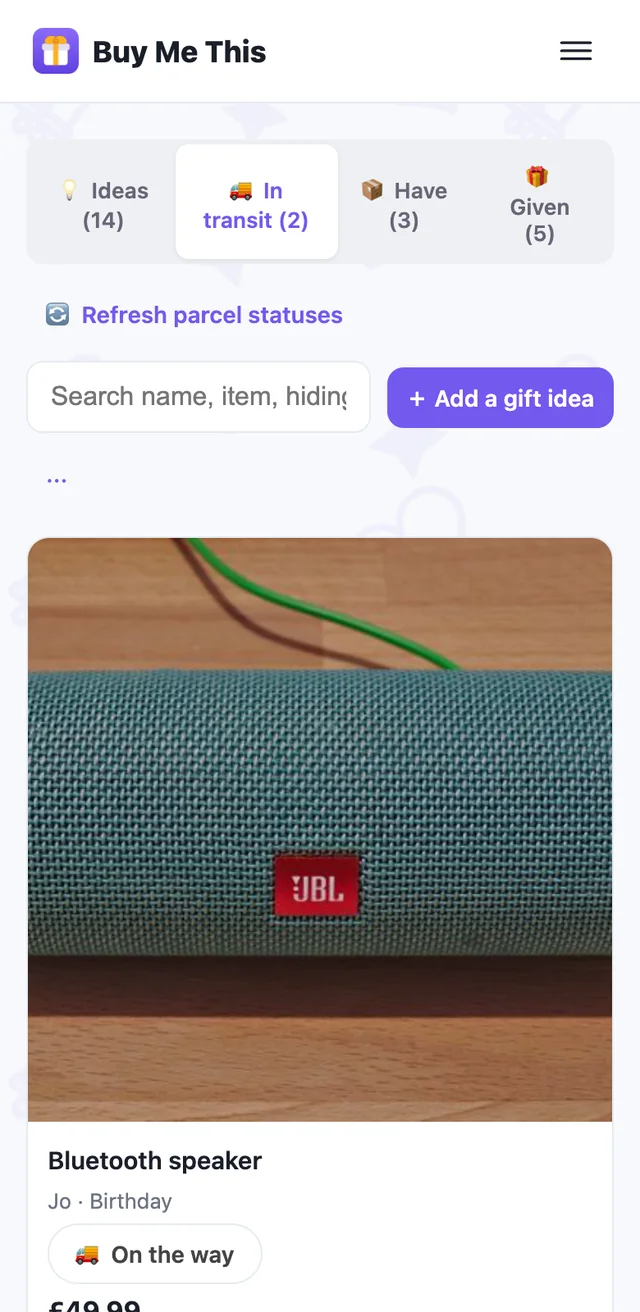
Ordered online? Add the delivery date (or a tracking number on paid plans) and the gift waits in In transit until you tick it as arrived. Then it's in Have, with its hiding place.
Given — and what they thought
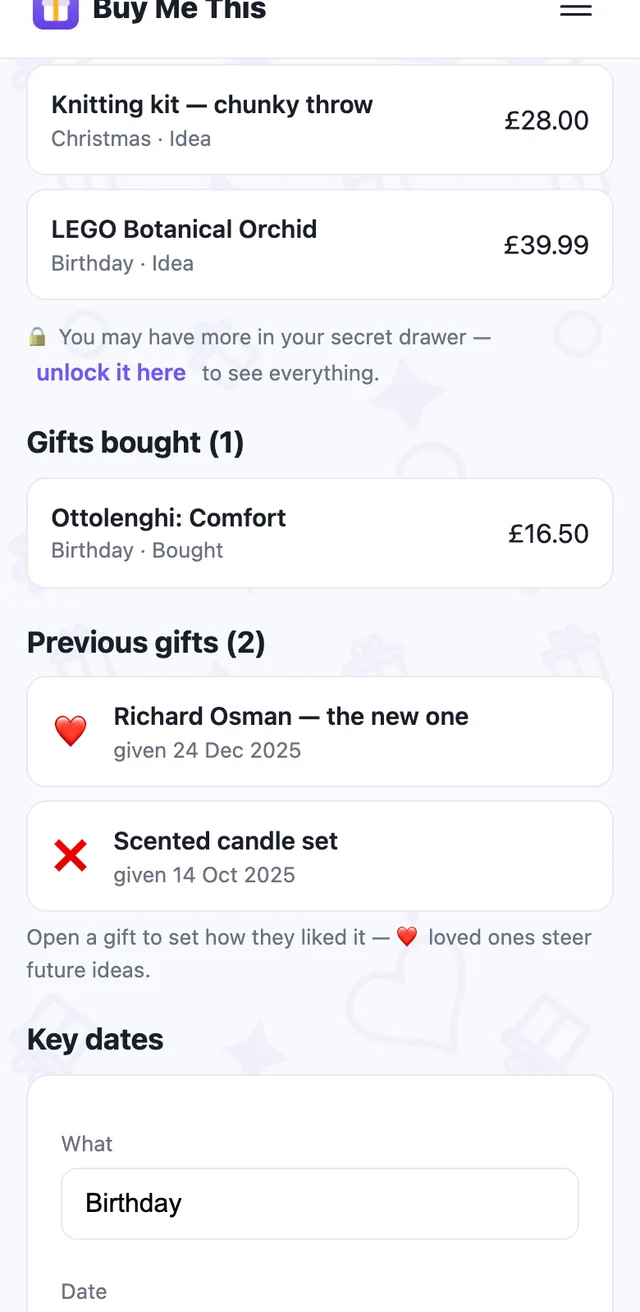
After the day, tap Given and record the reaction: ❤️ loved it, 👍 liked it, ❌ not for them. Next year's ideas learn from it, and a person's page keeps the history.
Photograph the receipt onto the gift. Returns and exchanges stop being a scramble, and on paid plans you can hand the receipt to the recipient without the awkward conversation.