Help › Family groups & reserving
Family groups & reserving
Join a group
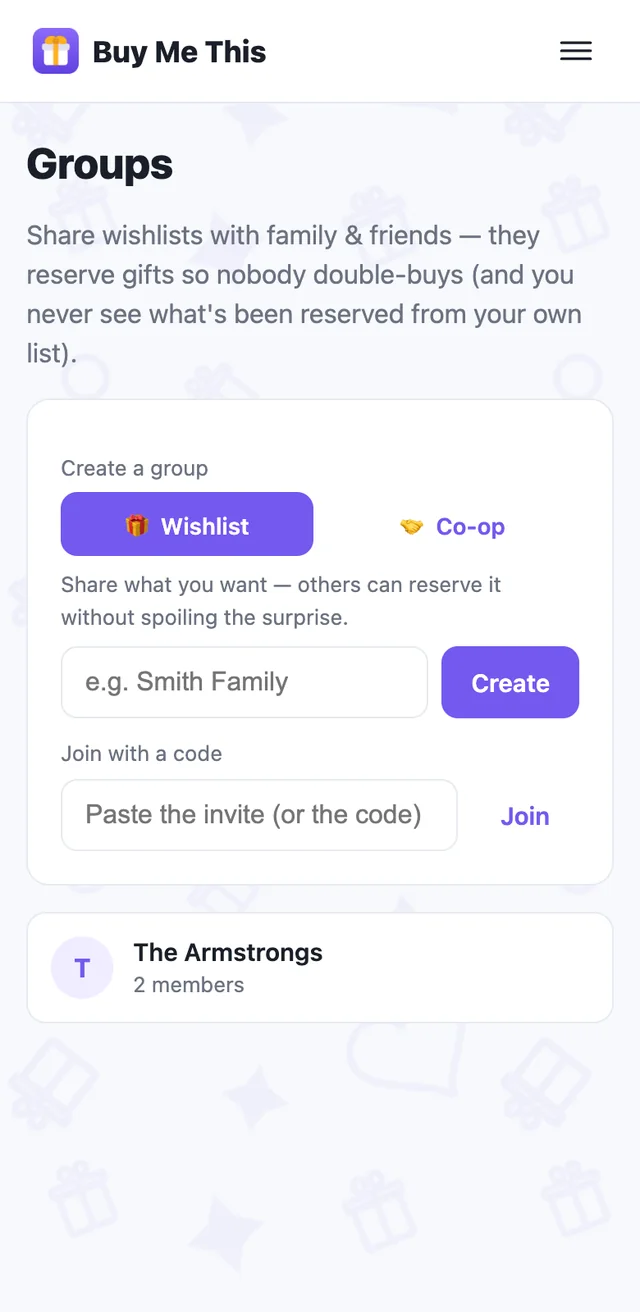
Someone sends you an invite link or code. Tap the link, or paste the whole message into Join with a code — we find the code in it. On the web you'll be asked for the name the group will see first; members see names, never emails.
Creating a group (paid plans) is one box on the Groups page; invite people from the group itself — share the link, or email it.
Reserve — and nobody double-buys
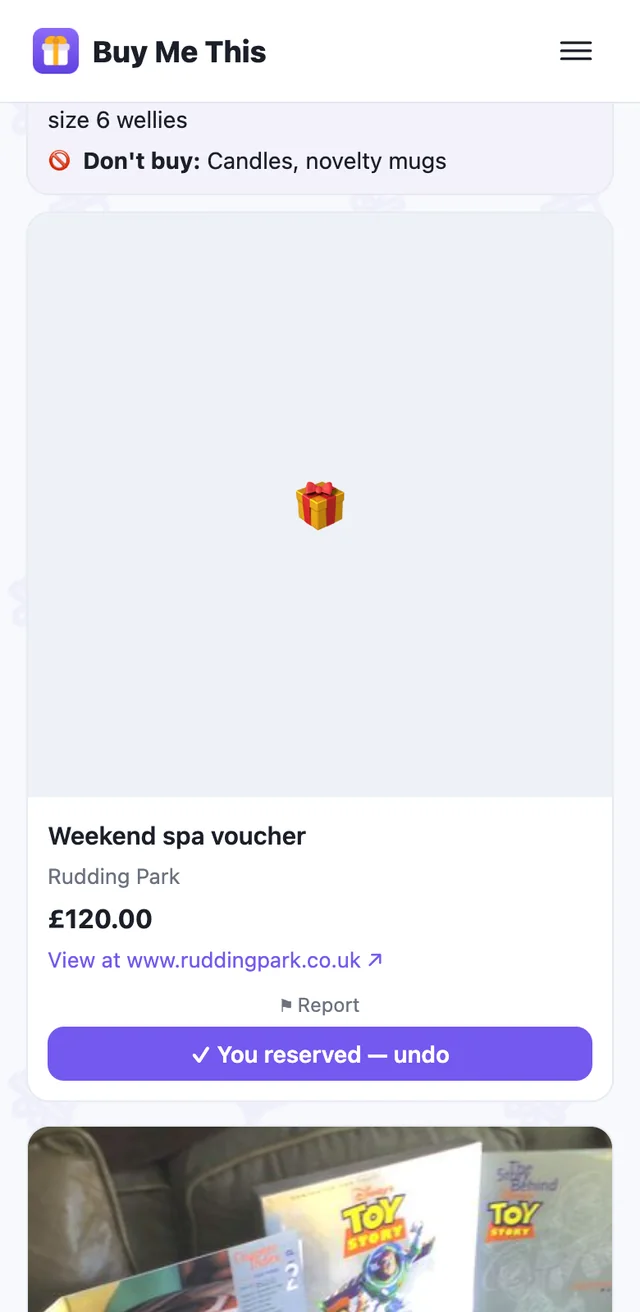
On someone's wishlist in the group, tap Reserve to say "I'm getting this". Other members see it's taken; the owner never sees who reserved what, or that anything is reserved at all.
Reserving also puts the gift in your own list for that person — link, price and photo — and creates the recipient if you didn't have them. Un-reserve and it goes to your Trash.
Taking your own item out of a group when someone may already have bought it? The app warns you, and the person who reserved it is told quietly — their copy stays, marked.
Share your wishlist, get nudged
Open a wishlist item → Share into a group. Only what you share is visible, and only to that group.
Tap 🔔 Notify me in a group for a vague nudge — “Something's new in Family Folk” — when someone adds or reserves. It never says what or who.
Co-op groups are the other kind: share what you've bought for people so the family coordinates.